How to Analyze Your Contract Portfolio with Reports
Short answer: Start with one decision, open the matching report in DocRenewal, check the period and underlying contract data, then export the report as CSV if you need to share or analyze it further. Available report areas include executive summaries, spending, vendors, renewals, risk, and notification effectiveness.
Choose a report that answers a real question
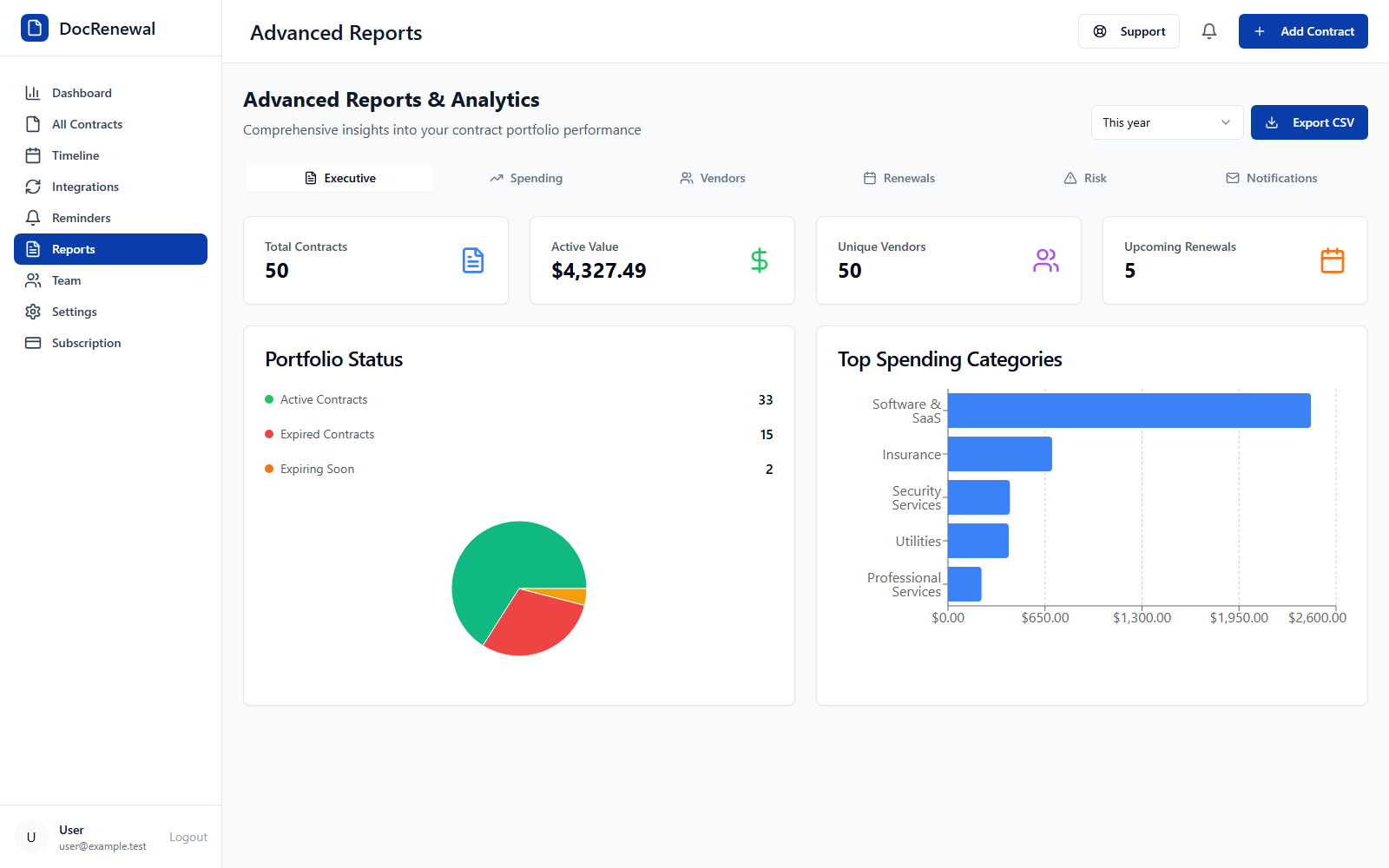
Use the executive summary for a portfolio overview, spending analysis to review recorded costs and categories, vendor reports to compare supplier records, renewal insights to identify dates needing attention, and risk reports to prioritize records for review. Notification-effectiveness reporting helps teams examine reminder activity.
Set a period and check the source records
Executive and spending reports offer month, last three months, and year views. Before comparing results, check whether contract values are recorded consistently, dates are current, categories are applied in a consistent way, and relevant agreements are in scope.
Interpret report results with context
A report can surface patterns, but it cannot determine whether a service is still needed, whether a contract term is acceptable, or whether a risk is material. Review the source agreements and ask the business, finance, legal, or security owner to validate findings before making a decision.
Export a report for follow-up
Select Export CSV when the report is available. Keep the reporting period, metric definitions, and any exclusions with the exported file so recipients understand what it shows. Limit access to exported contract data according to your organization's policies.
Frequently asked questions
Can DocRenewal export reports?
Yes. The Reports page provides an Export CSV action when the selected report data is available.
Are report totals guaranteed to match invoices?
Not necessarily. Reports use the contract data recorded in DocRenewal; validate amounts and billing periods against invoices and signed agreements.
Can a risk report replace legal review?
No. Treat reports as a way to prioritize review, then inspect the source terms with qualified stakeholders.
Reliable analytics begins with reliable records and a clear question. Explore DocRenewal reports and analytics for portfolio, spending, renewal, and risk insights.