How to Configure Contract Reminder Schedules
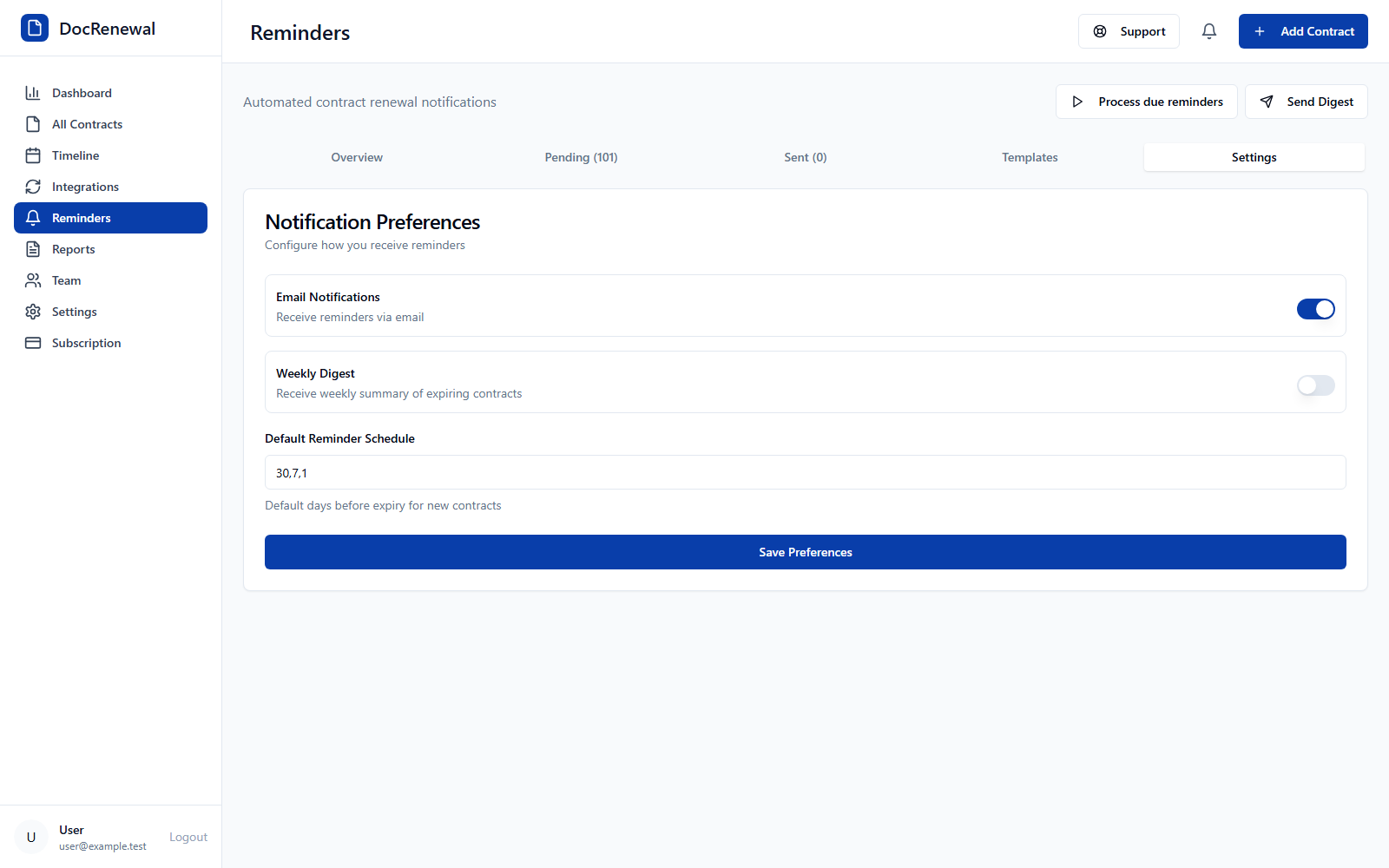
Short answer: In Settings, enable email notifications and choose a default reminder schedule, then save your preferences. Available defaults include 30, 7, and 1 day before a date, or a single reminder 7, 14, 30, 60, or 90 days ahead. Choose enough lead time for someone to review the contract and act.
Choose a schedule that gives owners time to act
Start from the agreement's notice deadline, not only its end date. A 30-day alert may be too late if approvals, negotiation, or transition take longer. For complex renewals, use an earlier internal review process and make sure the record has a responsible owner.
Enable and save email notification preferences
Open Settings and go to Notifications. Turn on email alerts, select the default reminder days, and save the settings. You can send a test email from the same area to check the configured delivery path.
Review reminder status when troubleshooting
Use the Reminders page to review pending, sent, and failed notifications. If an email failed, confirm that the account email is correct and check the reminder status before relying on the alert. A notification is an aid to follow-up, not proof that contractual notice was delivered.
Use Slack only when your plan and workspace allow it
Slack reminders are available on eligible plans and require a configured connection. An administrator may need to enable the integration. If Slack is not included or configured, continue using email reminders or ask your administrator about availability.
Frequently asked questions
Can I receive more than one reminder?
Yes. One available default schedule sends reminders 30, 7, and 1 day before the tracked date.
Do reminders send cancellation notice for me?
No. They notify users so the team can act. Follow the notice method and recipient specified in the signed contract.
Where can I check if a reminder was sent?
Review the Sent and Failed lists on the Reminders page to check notification status.
A reminder schedule works best when dates are verified and ownership is clear. See DocRenewal contract reminder features for email and Slack options.