How to Create Custom Contract Categories
Short answer: Create contract categories that reflect how your organization reviews agreements, then apply the same category consistently when adding or editing records. DocRenewal supports built-in categories and custom categories, and category data can be reviewed in reports.
Choose categories that support real decisions
Start with the questions your team needs to answer: which agreements are software subscriptions, professional services, facilities, or customer contracts? Keep labels distinct and easy to understand. A short list used consistently is more useful than many overlapping labels.
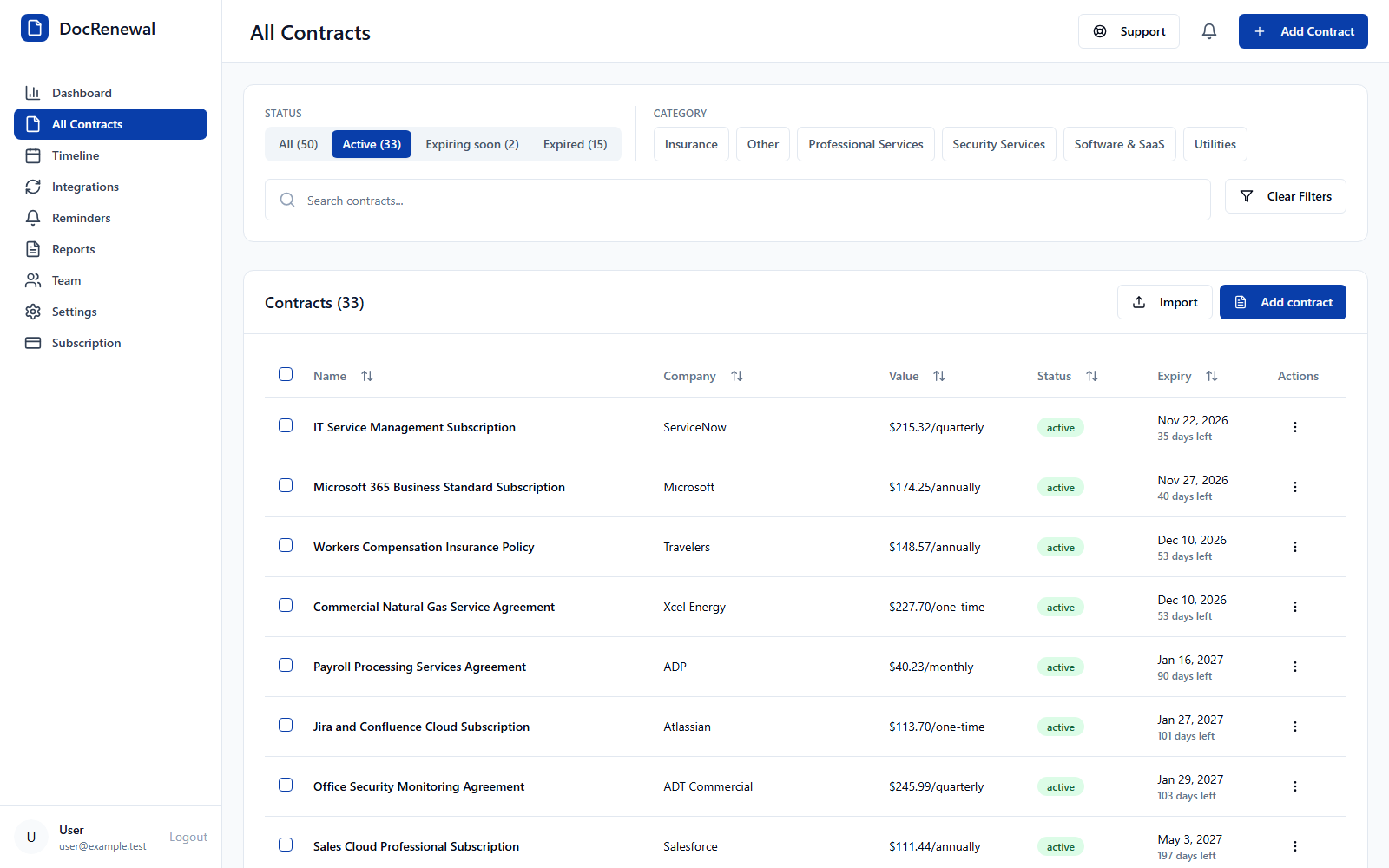
Add a category while entering a contract
In the contract form, open the Contract Category field. Select an existing category, or enter a new name in the Add a category field and save it. The new category is selected for the current contract and becomes available for other records.
Apply categories consistently
Agree on simple definitions before asking multiple people to classify records. For example, decide whether a software subscription belongs under “Software” or a more specific label such as “Cloud Services.” Use one preferred label rather than creating near-duplicates like “IT,” “Technology,” and “Software” for the same purpose.
Use category data when reviewing reports
Category reports can help teams compare contract counts or recorded spending across groups. Check that records are classified consistently and that cost values use comparable billing periods before interpreting a total. A category is a way to organize data, not proof that agreements are equivalent.
Frequently asked questions
Can I create my own contract categories?
Yes. The contract category field lets you add a category name and use it when creating or editing records.
How many categories should we use?
There is no universal ideal number. Begin with the smallest set that supports useful search and reporting, then add a category when it answers a distinct operational question.
Will a category change the contract itself?
No. It classifies the record for organization and reporting; it does not change the signed agreement or its terms.
Consistent labels make contract records easier to scan and reports easier to interpret. Learn more about DocRenewal categories and contract reporting.