How to Sync Contract Dates with Google Calendar
Short answer: Connect Google Calendar from DocRenewal's Integrations settings to sync contract titles and start and end dates in both directions. The app checks for changes about every five minutes. If the same contract changes in both places, sync pauses that contract so neither version is silently overwritten.
Before connecting Google Calendar
Make sure contract titles and dates in DocRenewal are accurate and that the Google account you authorize is the calendar you intend to use. Calendar credentials must be configured by the application administrator; if the connect option is unavailable, contact your administrator or support.
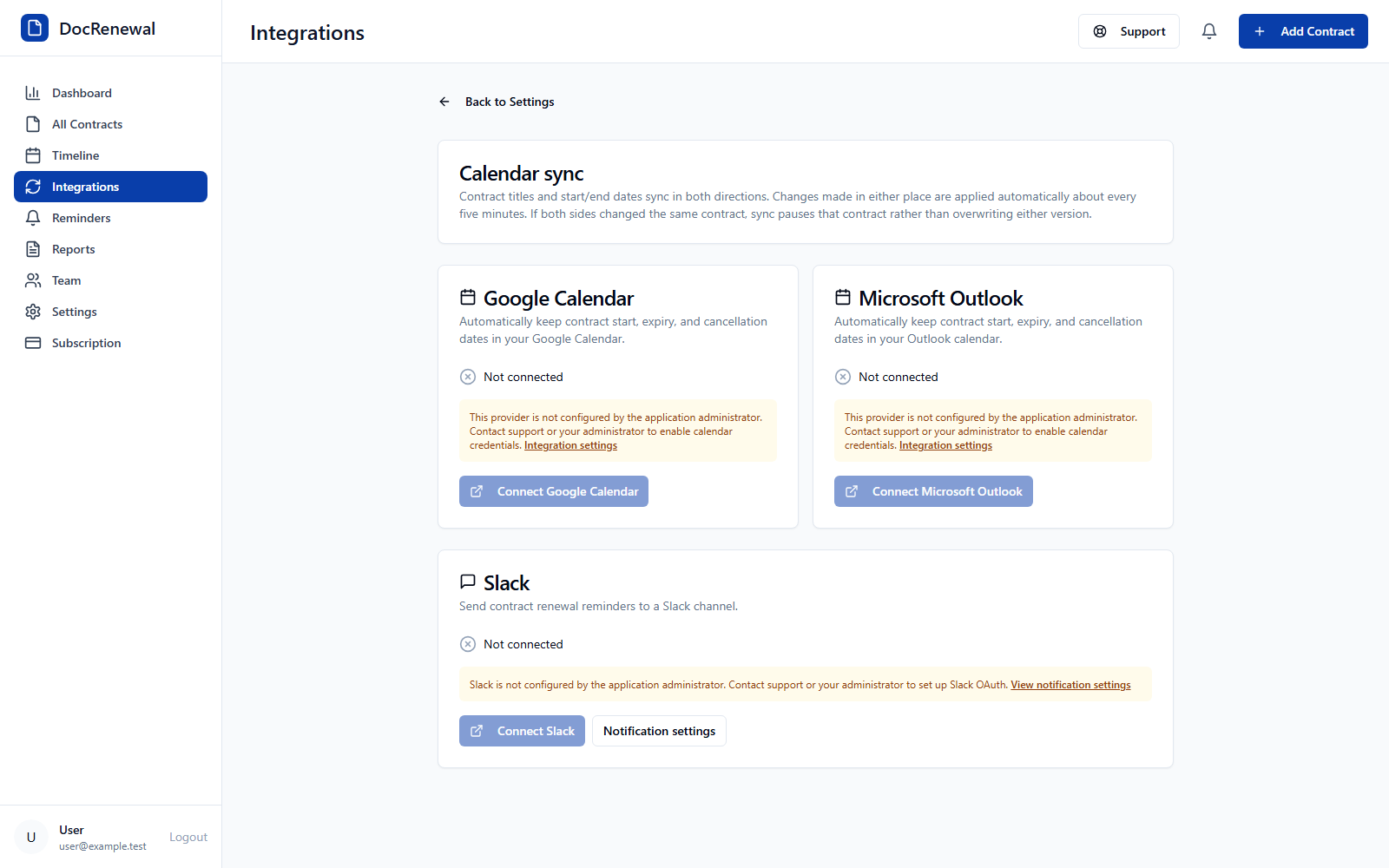
Connect your Google account
Open Settings and choose Integrations. Find the Google Calendar card and select Connect when the provider is available. Review Google's authorization prompt and approve the requested calendar access. Return to DocRenewal and confirm that the connection status shows Connected.
Understand what the calendar sync includes
Contract titles and start and end dates sync in both directions. Changes are applied automatically about every five minutes, and you can also select Sync now from the integration card. The sync does not replace reviewing the contract's signed terms or tracking an agreement's notice requirements.
Resolve a calendar sync conflict
If a contract was edited in both DocRenewal and the calendar before the next sync, the app pauses that contract rather than choosing one version. Review the conflict, determine which values are correct using the source agreement, update the appropriate record, and run the sync again.
Frequently asked questions
How often does Google Calendar sync?
Changes are applied automatically about every five minutes. You can also start a manual sync.
Does the sync include cancellation notice deadlines?
The integration describes two-way syncing for contract titles and start/end dates. Keep cancellation notice deadlines in DocRenewal and verify the exact sync fields in your current integration before relying on a calendar event for notice planning.
Can I disconnect the calendar?
Yes. The connected provider card includes a Disconnect action. Review your calendar and contract records before disconnecting so you know which system will remain your source of truth.
Calendar sync helps make contract dates visible alongside other work. Visit DocRenewal calendar integration features to learn about the available connections.