How to Track Contract Renewal and Cancellation Deadlines
Short answer: Track a contract's end date and cancellation notice deadline as separate dates, verify both against the signed agreement, and assign an owner to review them early. DocRenewal keeps these dates visible in contract records and the timeline so teams can plan a decision before a deadline passes.
Why are renewal and cancellation dates different?
The end date marks when a contract term finishes. A cancellation or non-renewal deadline may fall earlier, because the agreement can require notice a set number of days or months before renewal. Missing that notice window can trigger another term, so do not use the end date as a substitute for the notice deadline.
Step 1: Verify dates in the signed contract
Read the term, renewal, and termination provisions together, including any signed amendments. Confirm the current term, whether it renews automatically, the exact notice deadline, and any required delivery method or recipient. If the wording is unclear, ask qualified counsel rather than estimating a date.
Step 2: Record each date and assign an owner
When adding or editing a contract in DocRenewal, enter its end date and cancellation deadline in their respective fields. Name a business owner who can assess whether the service is still needed and coordinate approvals. Keep the signed source document with the record so a reviewer can verify the dates.
Step 3: Plan an internal review before notice is due
Set an internal decision date early enough for the business owner, finance, procurement, and legal reviewers to act. Consider performance, usage, price changes, alternatives, and transition needs. An internal review date is a planning milestone; it does not change the notice requirement in the agreement.
Step 4: Review upcoming dates in the contract list and timeline
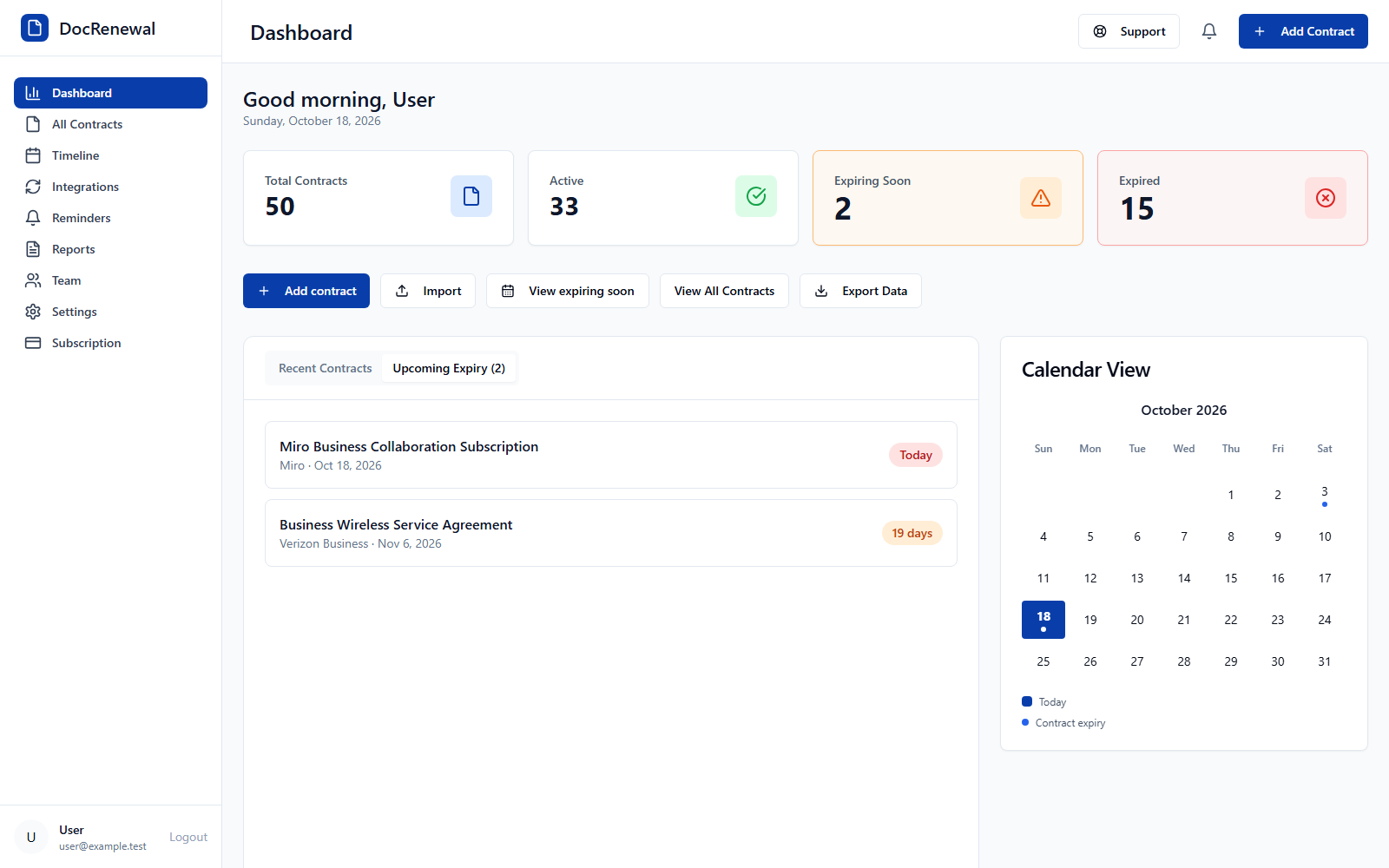
Use the contract list and timeline to spot upcoming expirations and cancellation deadlines. Review the owner and source document when a date approaches, update the record when an executed amendment changes the term, and document the resulting decision.
Frequently asked questions
Should the cancellation deadline match the contract end date?
Not necessarily. Enter the notice deadline stated by the agreement separately from the end date. Some agreements require notice well before the term ends.
Does a reminder replace formal notice?
No. A reminder helps a team act on time, but it does not send contractual notice unless the agreement's required notice process is completed separately.
Accurate dates, accountable owners, and early review make renewal work more manageable. Explore DocRenewal contract tracking features to see how contract dates and other records are organized.